Honestly, buying a new laptop or computer is pretty overwhelming. There are so many options to choose from, and there's also a lot of specs you have to think about. If you are planning to use the machine for at least a few years, then it's very important to know which parts you need to care about the most.
1) CPU (Basically the brain of the computer)
The CPU (Central Processing Unit) executes instructions, performs calculations, and manages data flow. It determines how fast your system processes instructions. Remember to check how many cores and threads it has. Usually more cores and more threads mean your CPU can multitask very well, but if you don't do any heavy work then maybe it would be a bit of an overkill to spend a lot of money on a CPU with a lot of cores.
Generally,
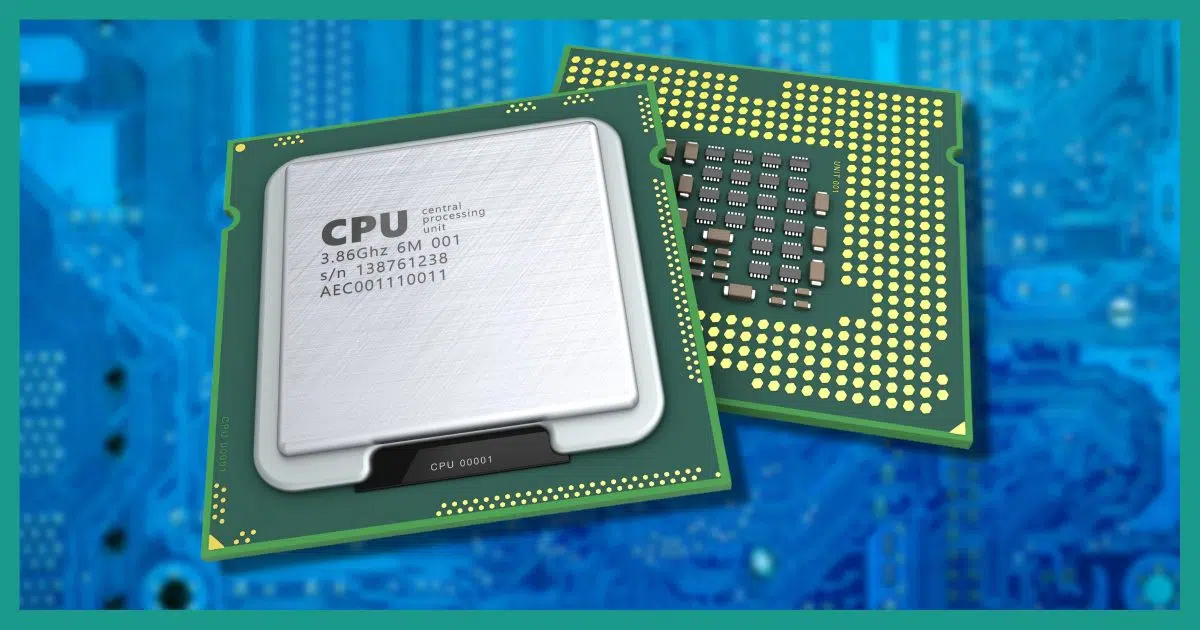
- 4 cores → Basic use (bare minimum today)
-
6–8 cores → Ideal for students & general productivity
-
8–16 cores → Heavy multitasking, coding, editing
-
16+ cores → Workstations, virtualization, rendering
Modern CPUs use hybrid designs:
-
Performance cores (P-cores) for heavy tasks
-
Efficiency cores (E-cores) for background tasks
So raw core count isn’t everything, architecture matters too.
And don't forget to check the CPU generation and clock speed as well. Clock speed is measured by Ghz(gigahertz) and it indicates how many billion calculations it can perform in a second. So 3.5 Ghz means it can perform 3.5 billion cycles in a second.
2) RAM
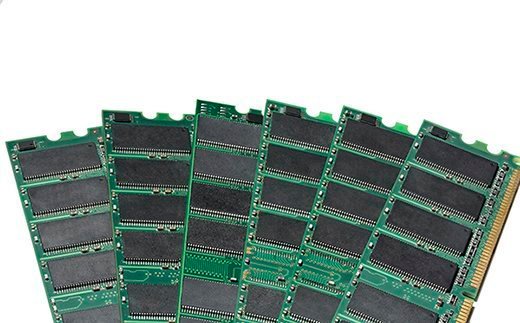
- 8 GB → Enough for basic tasks like web browsing and typing. But it's not future proof at all.
- 16 GB → Recommended minimum for a smooth user experience.
- 32 GB → If you are a gamer or a content creator, go for 32 GB
- 64 GB → For professionals with demanding workflows
3) Storage
4) GPU (Graphics Processing Unit)
Nowadays a lot of CPUs come with integrated graphics. Modern integrated GPUs are very capable at light gaming, media editing, coding tasks etc. So do you really need a dedicated GPU?
Dedicated GPUs are useful for AAA gaming, 3D modeling, Heavy video editing etc.
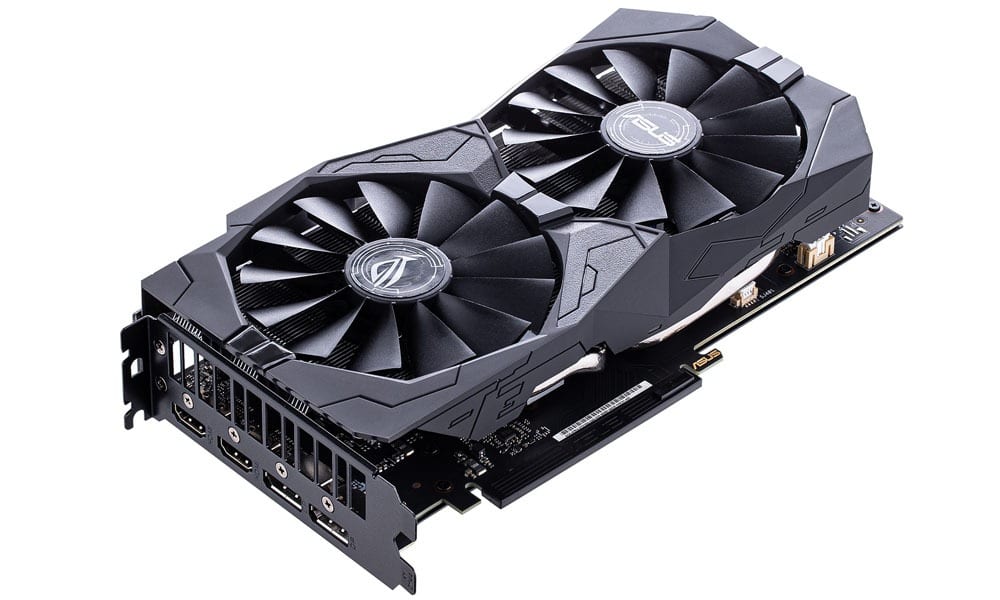
But dedicated GPUs are very costly. And it adds heat and consumes a lot of power. So if you are not a gamer and don't do a lot of GPU heavy work then the integrated GPU is more than enough for basic needs.
5)Motherboard
Motherboards are not that expensive. But the motherboard is still one of the most important parts of a computer. It determines upgradeability, RAM slots, PCIe generation, Storage expansion, Power delivery etc.
Desktop motherboards come in different form factors.
- ATX → Full size, more expansion (12 x 9.6 inches)
- Micro ATX → Smaller than ATX, fewer slots (9.6 x 9.6 inches)
- Mini ITX → Compact, minimal expansion (6.7 x 6.7 inches
6) Cooling system/Thermals
Even if you have a powerful CPU, it will be throttled if the system overheats. So it's important to buy a PC with a sufficient cooling system. There are two main types when it comes to cooling. Air cooling (heatsinks/fans) and liquid cooling. Air cooling is cheaper and more reliable for average users while liquid cooling offers superior thermal performance. And some people prefer liquid cooling just because unlike fans, it doesn't make any annoying noises.
7)Future proofing
If you are planning to use the same device for a long time, then it is very important to see if it's future proof or not. Make sure RAM/Storage is ungradable. And you have a powerful processor that will still be reliable in a few years. And invest in a high quality, high wattage power supply so it will be easier to upgrade to more power hungry components later if needed.
Sooo what makes sense in 2026?
For basic - intermediate needs,
- Modern 6-12 core CPU
- DDR5 RAM (16 GB minimum)
- 512 GB (or better 1TB) NVMe SSD
- Good cooling system and power supply
- 1080p or higher IPS display
Comments
Post a Comment